Bilingual Business Card
From $5.00
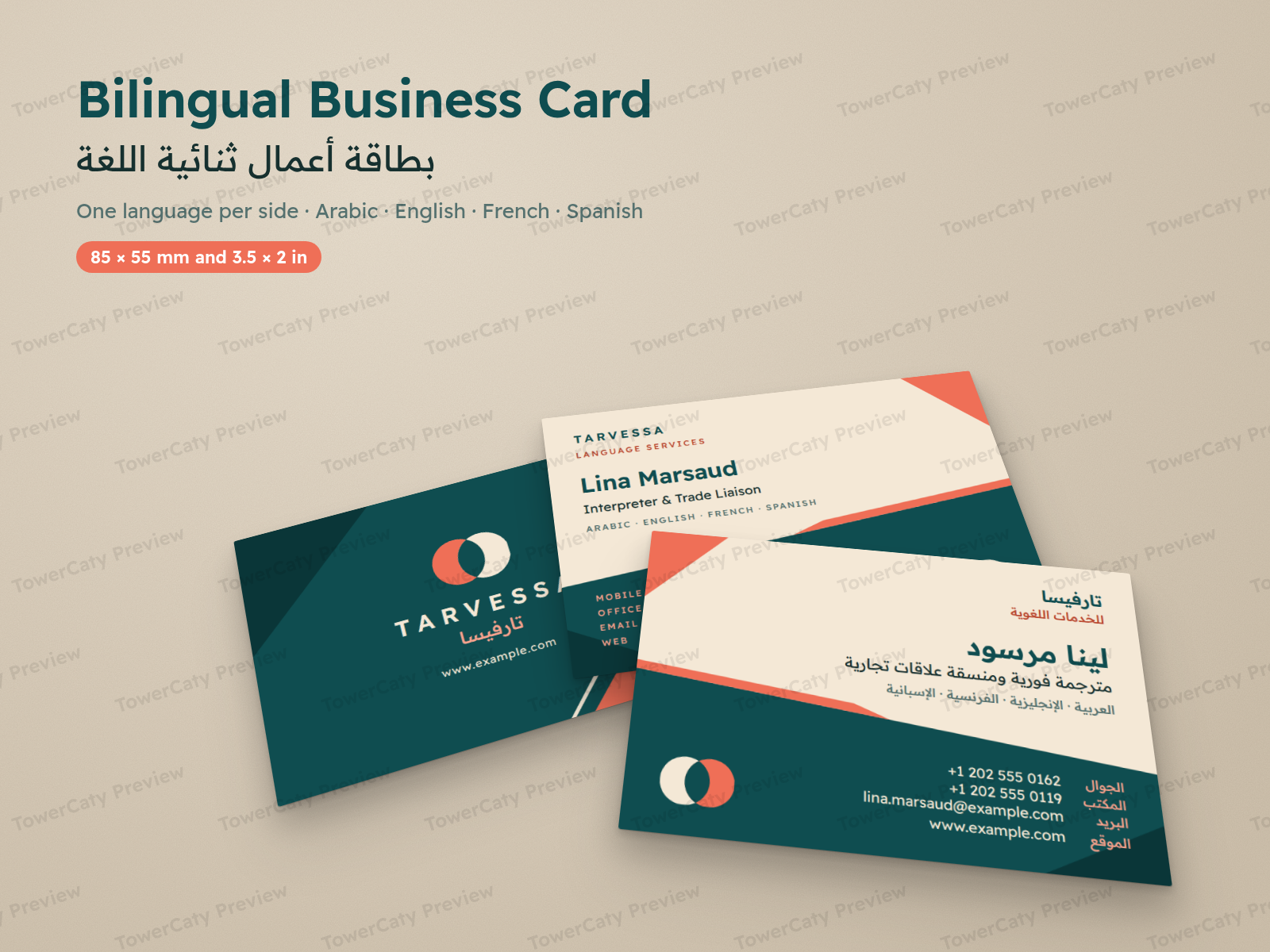
A fresh business card with two languages, one per side: Arabic (true right-to-left), English, French and Spanish sides, five ready bilingual pairs and four single-language cards. Print-ready PDFs in 85 × 55 mm and 3.5 × 2 in with bleed, editable SVG and HTML, and the font.
- Secure payment via PayPal
- Instant digital delivery
- Clear licensing
- Support available
Overview
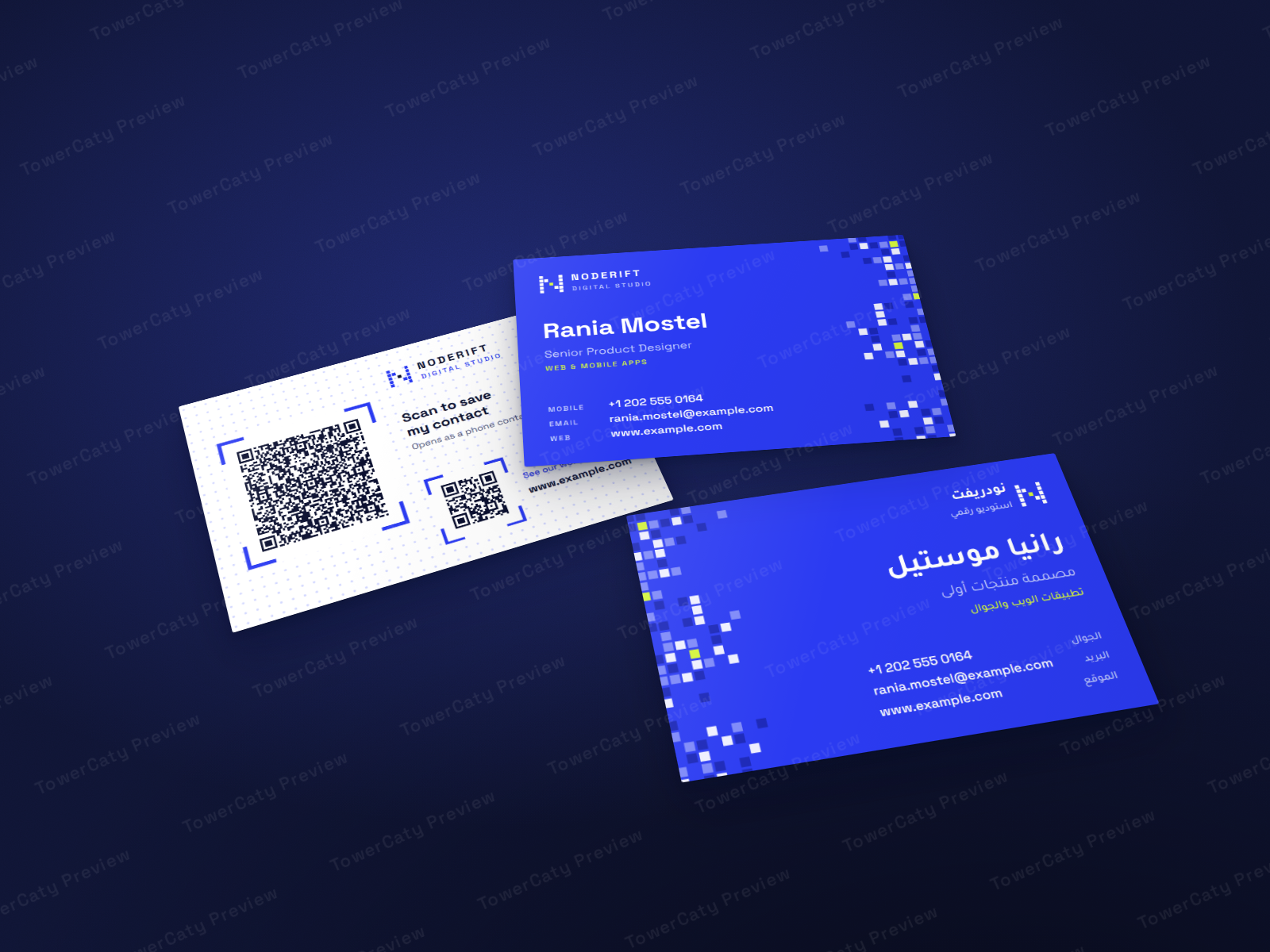
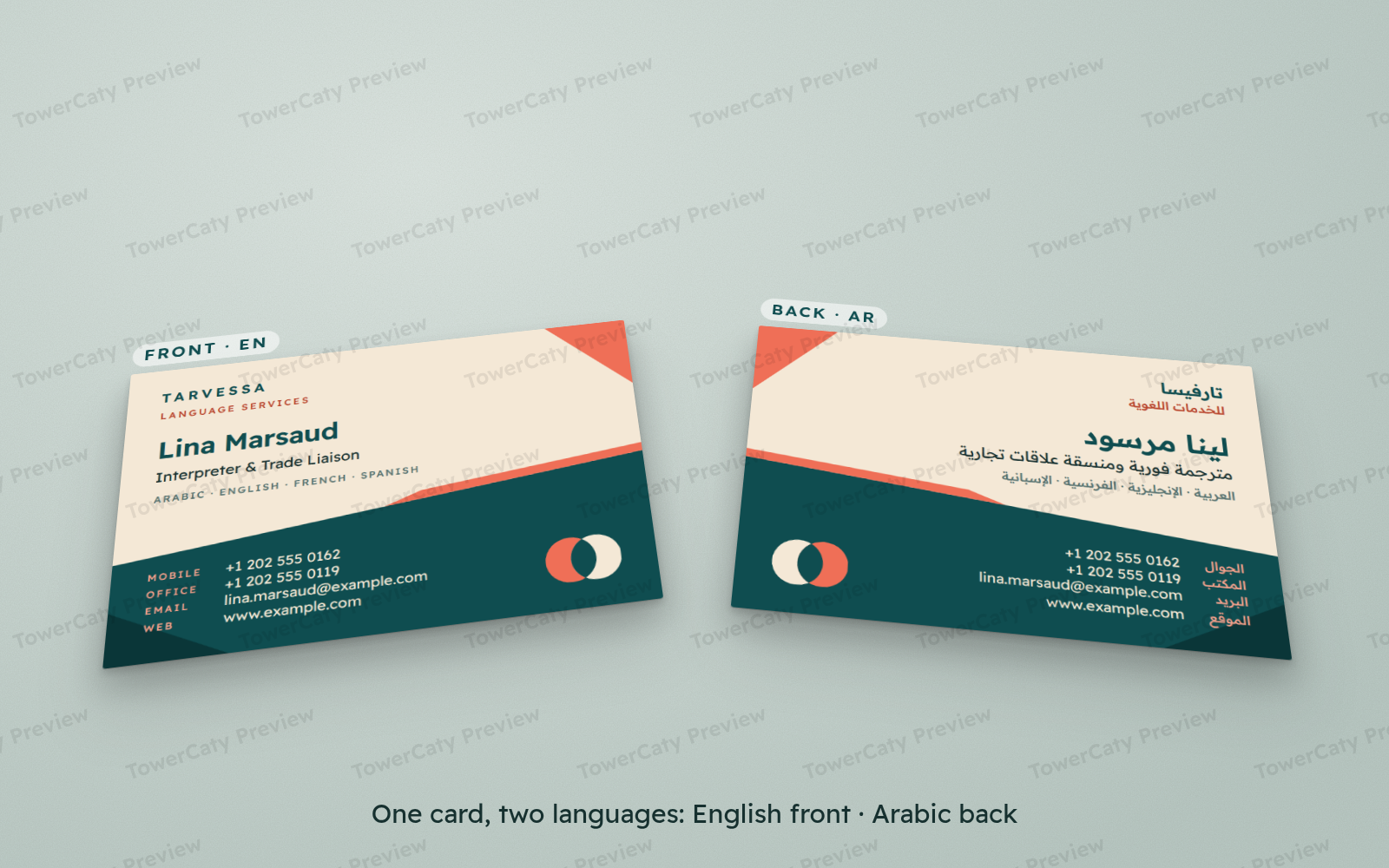
Bilingual Business Card is a fresh, friendly card that carries two languages, one per side. A deep teal field cuts diagonally across a warm sand background, edged with a coral stripe and coral corner wedge, and a two-disc logo stands for two languages meeting. It suits interpreters, translators and people in trade or tourism who meet clients in more than one language.
One language per side
- Four fully written language sides: English, French, Spanish and Arabic, plus a language-neutral brand back with the logo, the company name in Latin and Arabic script, and the website.
- Five ready-to-print bilingual cards: English + Arabic, French + Arabic, Spanish + Arabic, English + French and English + Spanish (page 1 front, page 2 back).
- Four single-language cards (Arabic, English, French or Spanish side with the brand back), so all four languages are covered.
- The HTML source can show any other pairing, such as French + Spanish, and save it as PDF.
A real right-to-left Arabic side
- The Arabic side is a mirrored layout, not just translated text: the diagonal slopes the other way, the coral wedge and the logo move to the left and all text is right-aligned.
- Phone, email and website stay left-to-right in their own isolated lines, and Western digits (0–9) are used throughout.
- French and Spanish use natural job titles and labels with correct accents, including accented capitals such as FRANÇAIS and MÓVIL.
Two print sizes, ready for the printer
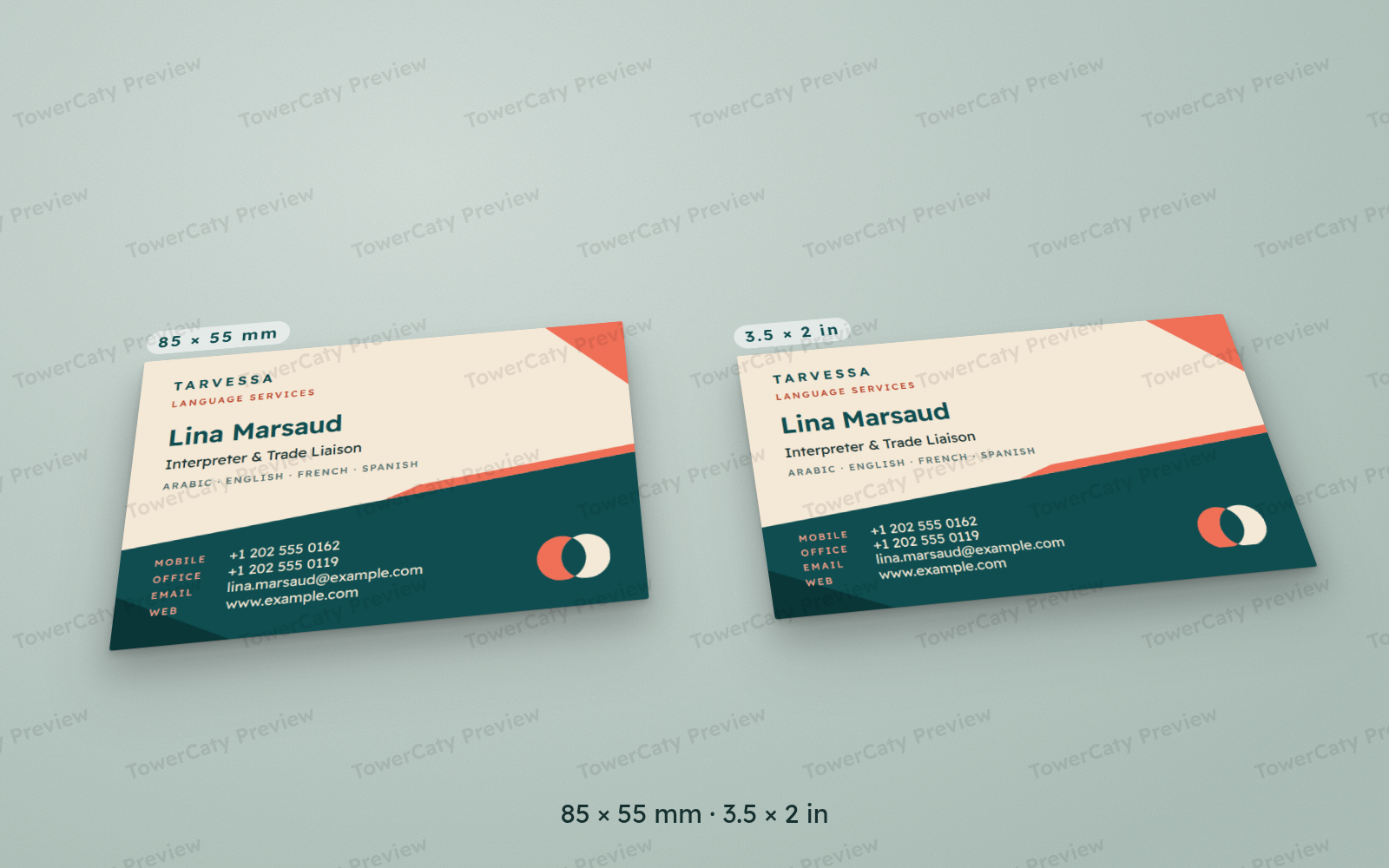
- 85 × 55 mm (Europe / Middle East) with 3 mm bleed: PDF page 91 × 61 mm.
- 3.5 × 2 in (US) with 0.125 in bleed: PDF page 3.75 × 2.25 in.
- Text and logo sit inside a 3 mm / 0.125 in safe area; colour fields run into the bleed.
- Each PDF has two pages, embedded fonts and TrimBox/BleedBox. A separate "with-guides" PDF shows the bleed, trim and safe lines for proofing.
Editable sources
- 10 SVG files (5 sides × 2 sizes) with live text and named layers: Artwork, Logo, Text and Guides. They open in Adobe Illustrator, Inkscape, Affinity Designer and Figma once the included font is installed.
- One HTML/CSS file with every side and both sizes, the source of the PDFs, with colour variables and a switch for the card, size and guides.
- PNG previews of every side in both sizes.
- One font family for both scripts: Readex Pro, with matching Latin and Arabic letters (SIL OFL, included).
Good to know
- The PDFs are RGB. Most printers convert them to CMYK; the README explains how to convert with your printer's profile for the most accurate colours.
- This is a design file package: printing and editing software are not included.
- All sample details are fictional (person, company, logo, example.com addresses and +1 202 555 01xx phone numbers) and are meant to be replaced with your own.
What's included
- Complete product files (ZIP)
Languages
The product files and designs come in these languages.
Features
- Bilingual business card: one language per side
- Four language sides: Arabic, English, French and Spanish
- Language-neutral brand back with the logo and the company name in Latin and Arabic script
- Five ready bilingual cards: EN + AR, FR + AR, ES + AR, EN + FR and EN + ES
- Four single-language cards with the brand back
- Any other pairing can be made from the HTML source
- Arabic side with a mirrored right-to-left layout
- Phone, email and website kept left-to-right on the Arabic side, with Western digits throughout
- Two print sizes: 85 × 55 mm and 3.5 × 2 in
- 3 mm / 0.125 in bleed on every side and a matching safe area
- Print-ready PDFs (page = trim + bleed) with embedded fonts
- TrimBox and BleedBox set in every print PDF
- Separate with-guides PDFs showing bleed, trim and safe lines
- 10 editable SVG files with live text and named layers: Artwork, Logo, Text and Guides
- One HTML/CSS source with colour variables and a card and size switch
- PNG previews of every side in both sizes
- Diagonal colour field and original two-disc logo, no stock images
- Readex Pro font for Arabic and Latin included (SIL OFL)
- Bilingual README (English and Arabic) covering pairing, editing and printing
- Fictional sample data with example.com addresses
Requirements
To print: use the PDF files as they are with any print service or PDF viewer. To edit the SVG files: a vector design app that opens SVG, such as Adobe Illustrator, Inkscape, Affinity Designer or Figma, with the included Readex Pro font installed first. To edit the HTML source: any text editor, and Google Chrome or Microsoft Edge to preview it and save it as PDF. No software is included in the package.
Compatibility
PDF: any PDF viewer and standard print workflows (RGB PDF 1.4, fonts embedded, TrimBox and BleedBox set). SVG: Adobe Illustrator, Inkscape, Affinity Designer and Figma (import). Font: TrueType (.ttf) for Windows, macOS and Linux. HTML: current Google Chrome and Microsoft Edge.
Installation
- Download
bilingual-business-card-1.0.0.zipand unzip it. - To print as is, open
print/85x55mm/orprint/3.5x2in/and pick the card you need, for examplebilingual-card-85x55mm-en-ar.pdffor English + Arabic (the file without "with-guides"). - To edit, first install the font from the
fonts/folder (Windows: right-click > Install; macOS: double-click > Install Font), then restart your design app. - Open the SVG for the side and size from
source/svg/and edit the text. - Read
README.mdfor the card table and the full editing and printing guide.
User guide
- Pick a card: the language codes in the PDF name give the two sides;
en-arhas English on page 1 and Arabic on page 2. Single-language files (ar,en,fr,es) have the brand back on page 2. - Change the details: edit each side's SVG once (each line is its own text object), or that side's section in
source/html/bilingual-card.html. - Another pairing: open the HTML source with
?card=fr-es, for example, and save it as PDF. - Arabic text: lines on the Arabic side are anchored at their right edge so they stay right-aligned. In Illustrator, use the Middle Eastern & South Asian Every-line Composer if letters look disconnected.
- Logo: delete the mark group in the Logo layer and place your own logo in the same spot.
- Guides: hide or delete the Guides layer before exporting a PDF; use the "with-guides" PDFs only to check your layout.
- Printing: send the PDF at full page size, print double-sided and cut to the trim. The PDFs are RGB; ask your printer to convert them with their CMYK profile and request a proof.
License
| Personal$5.00 | Commercial$9.00 | Extended$19.00 | |
|---|---|---|---|
| Projects | 1 | 5 | Unlimited |
| Users or sites | 1 | 1 | 5 |
| Commercial use | Not allowed | Allowed | Allowed |
| Modification | Allowed | Allowed | Allowed |
| Resale | Not allowed | Not allowed | Not allowed |
| Redistribution | Not allowed | Not allowed | Not allowed |
| Updates | 12 months | 12 months | Lifetime |
| Support period | 6 months | 12 months | 12 months |
Pay with PayPal or a debit or credit card. We send your product once the payment is confirmed.
Support & Updates
Support is provided through the contact details in your TowerCaty order email. Please mention the product name and version (Bilingual Business Card 1.0.0), the file and app you are using, and a short description or screenshot of the issue.
Changelog
1.0.0
- Version 1.0.0: first release in the store.
Last Updated
- Last update
- Oct 8, 2026
- Version
- 1.0.0