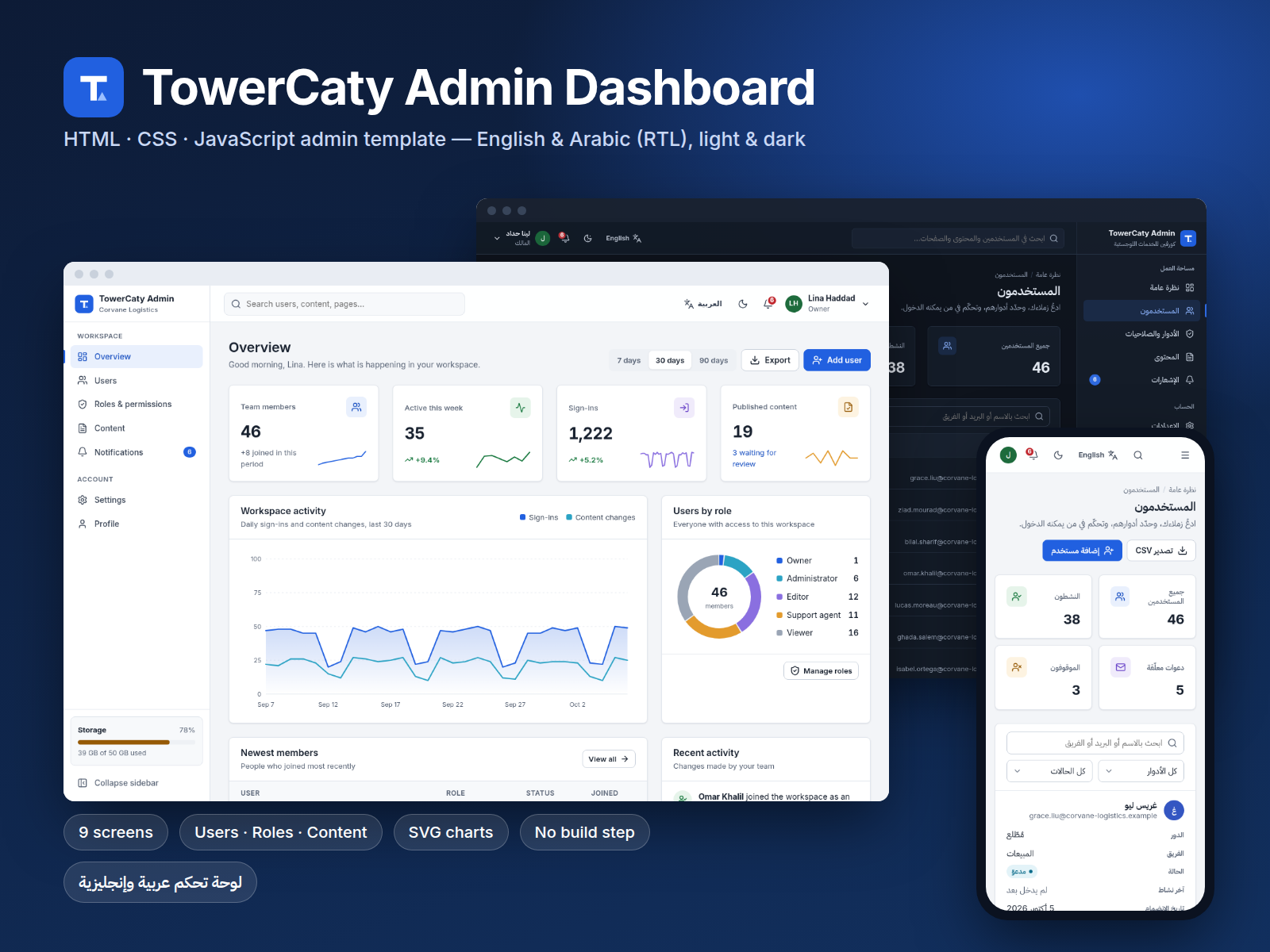
TowerCaty Admin Dashboard
From $29.00
A clean bilingual admin dashboard template in plain HTML, CSS and JavaScript: overview with charts, users, roles and permissions, content, notifications, settings, profile and sign-in, in English and Arabic with full RTL.
- Secure payment via PayPal
- Instant digital delivery
- Clear licensing
- Support available
Overview
TowerCaty Admin Dashboard is a ready-to-use back-office template for teams that work in English and Arabic. It covers the screens most admin panels need, built with plain HTML, CSS and vanilla JavaScript, so there is nothing to compile: open index.html and it runs, even offline.
Nine screens, all working:
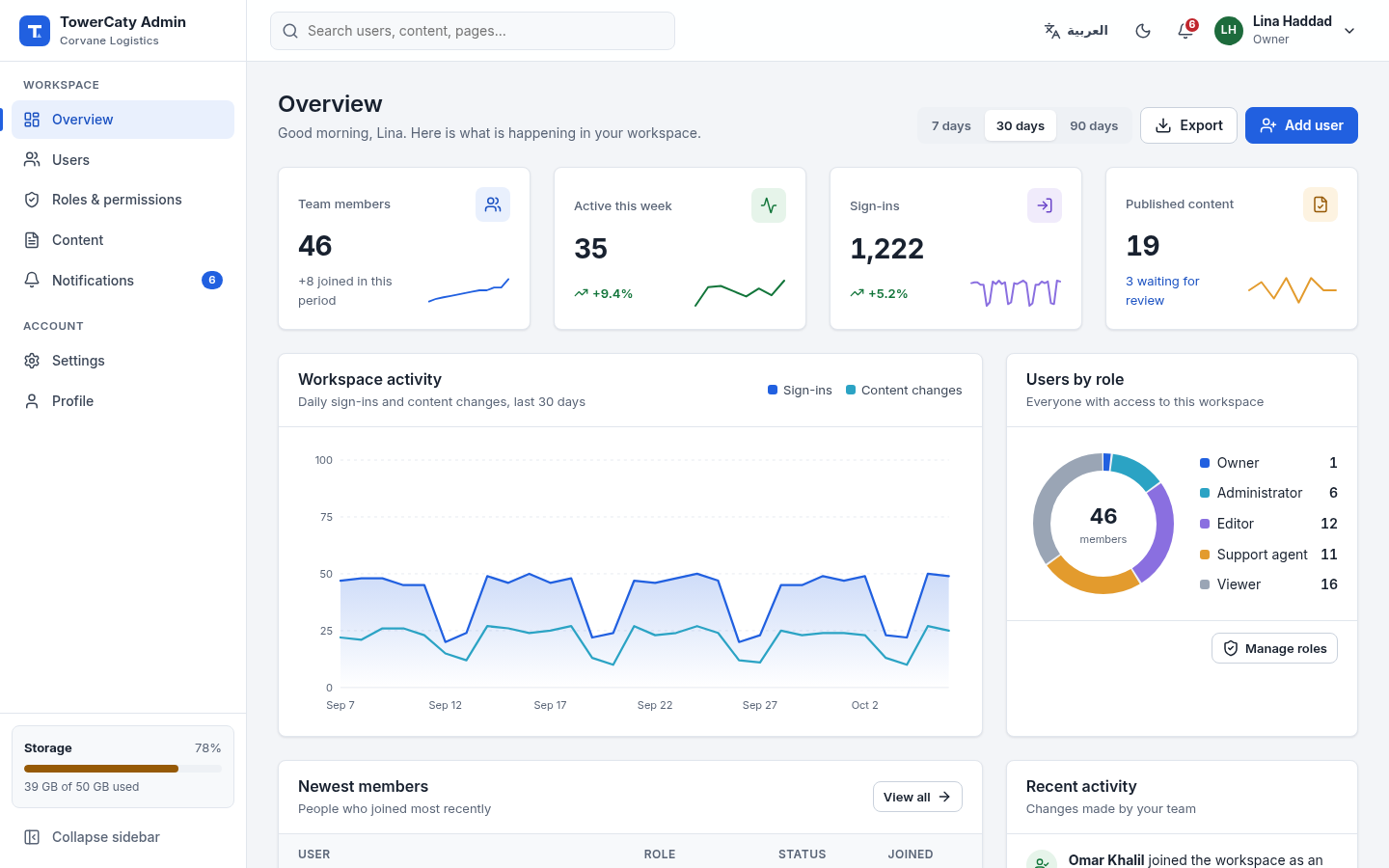
- Overview with KPI cards, an activity chart with 7/30/90-day ranges, a users-by-role donut, newest members, an activity feed and plan usage.
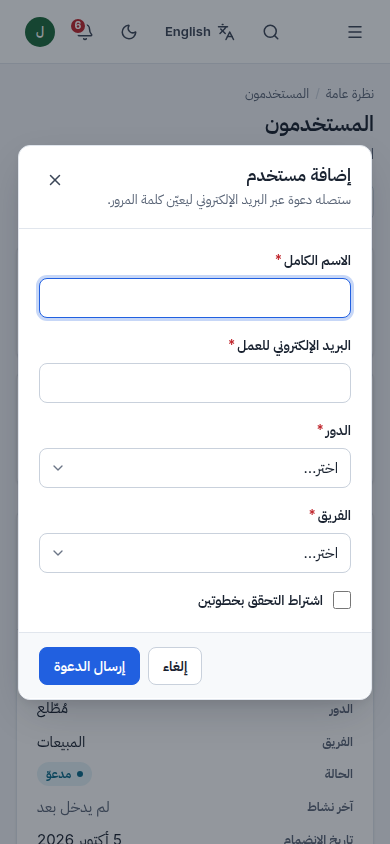
- Users with search, role and status filters, sortable columns, pagination, an add/edit dialog with validation, delete confirmation and CSV export.
- Roles & permissions with a permission matrix, unsaved-changes bar and custom roles.
- Content with status tabs, filters, scheduling and editing.
- Notifications, Settings (six tabs), Profile, Sign in and 404.
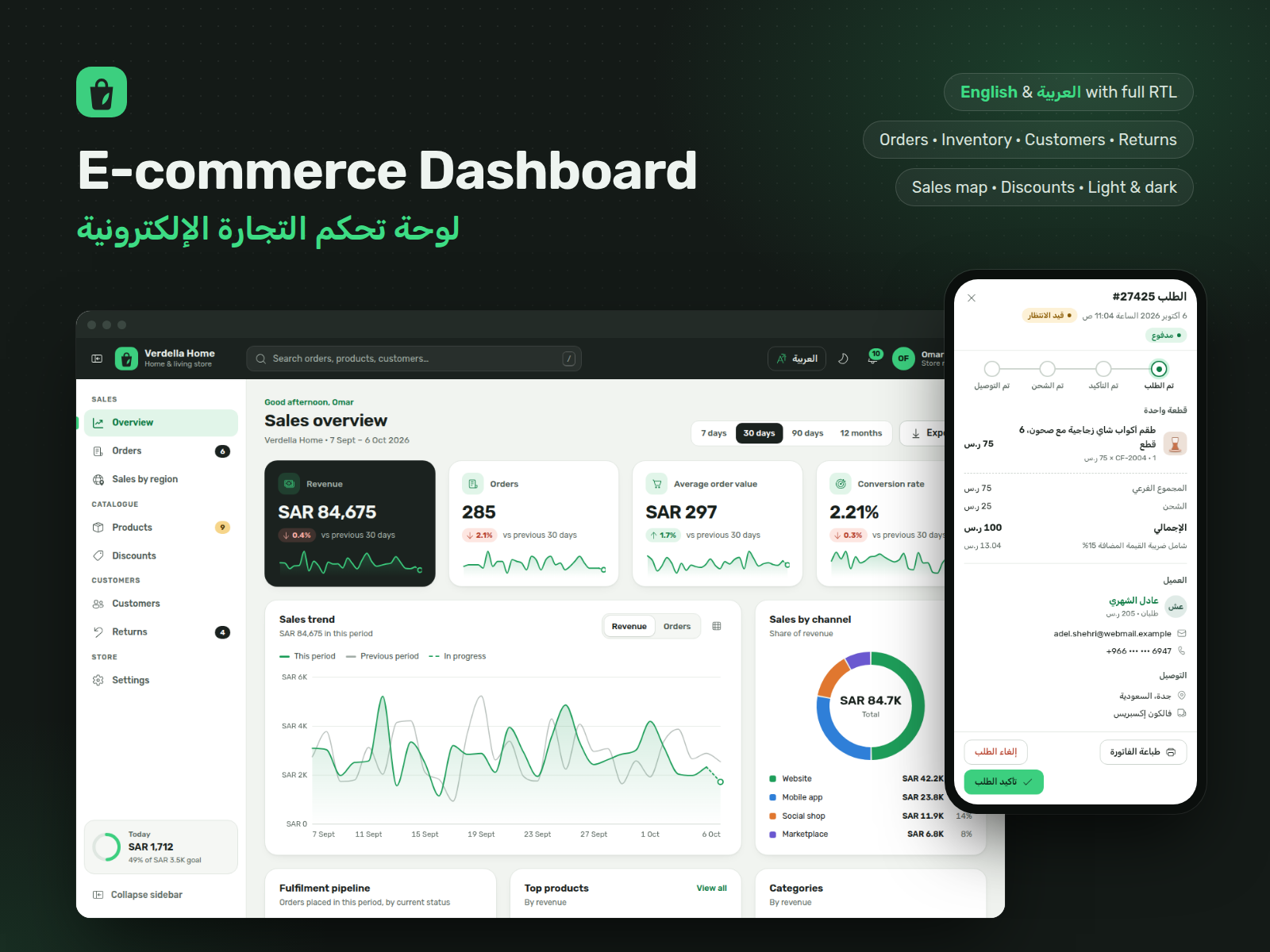
Real Arabic support. Switching to Arabic flips the whole layout right-to-left: sidebar, tables, forms, dialogs and arrows. Arabic text uses IBM Plex Sans Arabic, dates use Arabic month names, and users can choose Western or Eastern Arabic digits.
Design. A classic, calm light interface with neutral greys and blue, 8px cards, a collapsible sidebar, plus a dark theme and compact density. Charts are dependency-free SVG and follow the theme.
The template is front-end only, with realistic sample data saved in the browser so every button can be tried. Forms save to the browser only: nothing is sent to a server, and the template sends no e-mails, invitations or notifications (the notification centre shows sample data). The README explains how to connect your own API.
What's included
- Complete product files (ZIP)
Languages
The product description and details are provided in these languages.
Features
- 9 complete screens: overview, users, roles & permissions, content, notifications, settings, profile, sign-in, 404
- Full English and Arabic interfaces with a live language switch and true right-to-left layout
- Users table with search, filters, sorting, pagination, add/edit dialog, delete confirmation and CSV export
- Permission matrix with save/discard and custom roles
- Content list with status tabs, author and type filters, and scheduled publishing
- Notification centre interface with sample data: grouped by day, with read/unread, dismiss and a top-bar popover
- Tabbed settings: general, appearance, notifications, security, billing and data
- Profile page with password strength meter and signed-in devices
- Dependency-free SVG charts: line, bar, donut and sparklines with tooltips
- Light and dark themes, compact density and a collapsible sidebar
- Off-canvas navigation and stacked tables on tablets and phones
- Form validation with clear messages in both languages
- Keyboard support, skip link, visible focus and WCAG AA contrast (checked with axe-core)
- No build step and no CDN: opens by double-clicking index.html and works offline
- Fonts and icons bundled with commercial-friendly licenses (SIL OFL, ISC/MIT)
Requirements
Any modern browser (current Chrome, Edge, Firefox or Safari). No build tools or server code required; a text editor to customise. Optional: any static web server, e.g. Python 3 for local preview.
Compatibility
Chrome/Edge 105+, Firefox 110+, Safari 16+, on desktop, tablet and mobile. Responsive from 390px phones to 1440px+ desktops. Deploys to any static host (Netlify, Vercel, Cloudflare Pages, GitHub Pages, S3, Nginx, Apache).
Installation
- Download and unzip
towercaty-admin-dashboard-1.0.0.zip. - Open
towercaty-admin-dashboard/index.htmlin your browser. That's it. - Optional local server: inside the folder run
python3 -m http.server 4111and openhttp://localhost:4111/. - To publish, upload the folder to any static host. See README.md for 404 setup.
User guide
- Brand and defaults: edit
assets/js/config.js(name, default language and theme, sidebar menu). - Text: all wording lives in
assets/js/locales/en.jsandar.js. - Colours: change the CSS variables at the top of
assets/css/app.css(light and dark blocks). - Language: use the button in the top bar, or add
?lang=arto any address. - Sample data:
assets/js/data.js; reset your changes in Settings → Data. - Your backend: replace the
TC.datafunctions inassets/js/app.jswith API calls (see README.md). - Demo sign-in:
lina.haddad@corvane-logistics.example/Demo-2026!.
License
| Personal$29.00 | Commercial$39.00 | Extended$149.00 | |
|---|---|---|---|
| Projects | 1 | 5 | Unlimited |
| Users or sites | 1 | 1 | 5 |
| Commercial use | Not allowed | Allowed | Allowed |
| Modification | Allowed | Allowed | Allowed |
| Resale | Not allowed | Not allowed | Not allowed |
| Redistribution | Not allowed | Not allowed | Not allowed |
| Updates | 12 months | 12 months | Lifetime |
| Support period | 6 months | 12 months | 12 months |
| License key | Yes | Yes | Yes |
Pay with PayPal or a debit or credit card. We send your product once the payment is confirmed.
Support & Updates
Support is provided through the TowerCaty store: contact us with your order number. Includes README with setup, customisation and deployment guides, and a changelog.
Changelog
1.0.0
- Version 1.0.0: first release in the store.
Last Updated
- Last update
- Oct 6, 2026
- Version
- 1.0.0