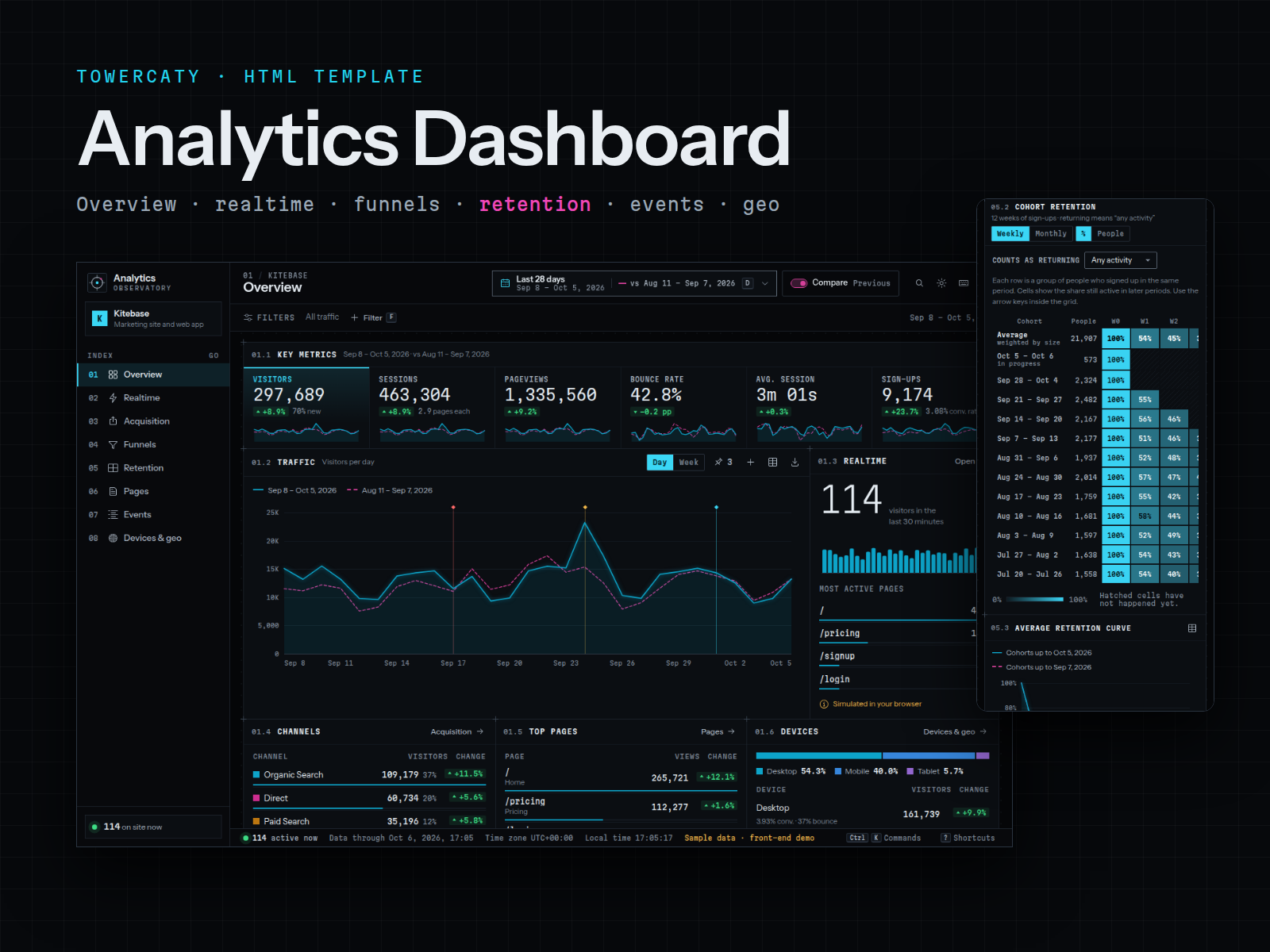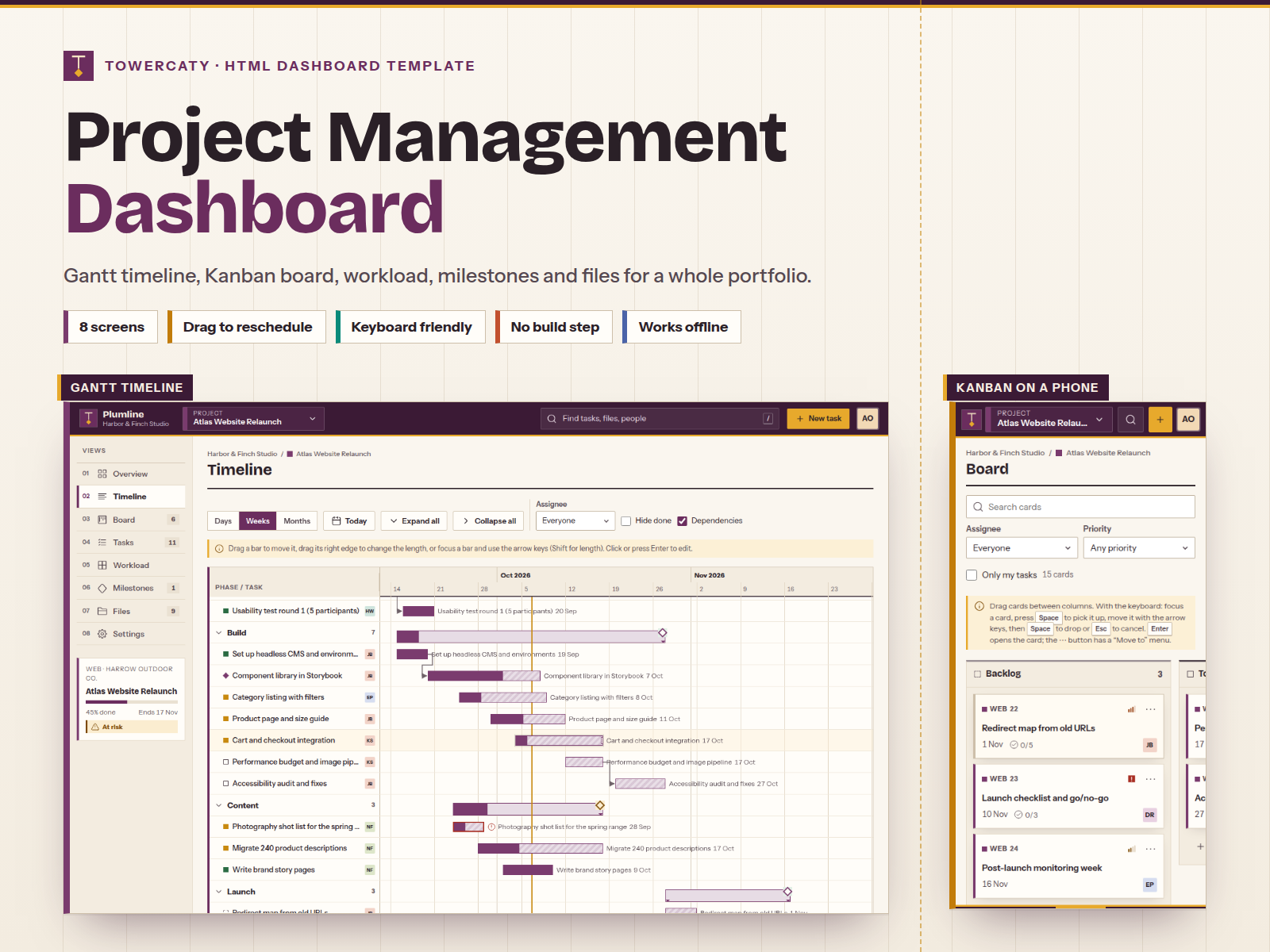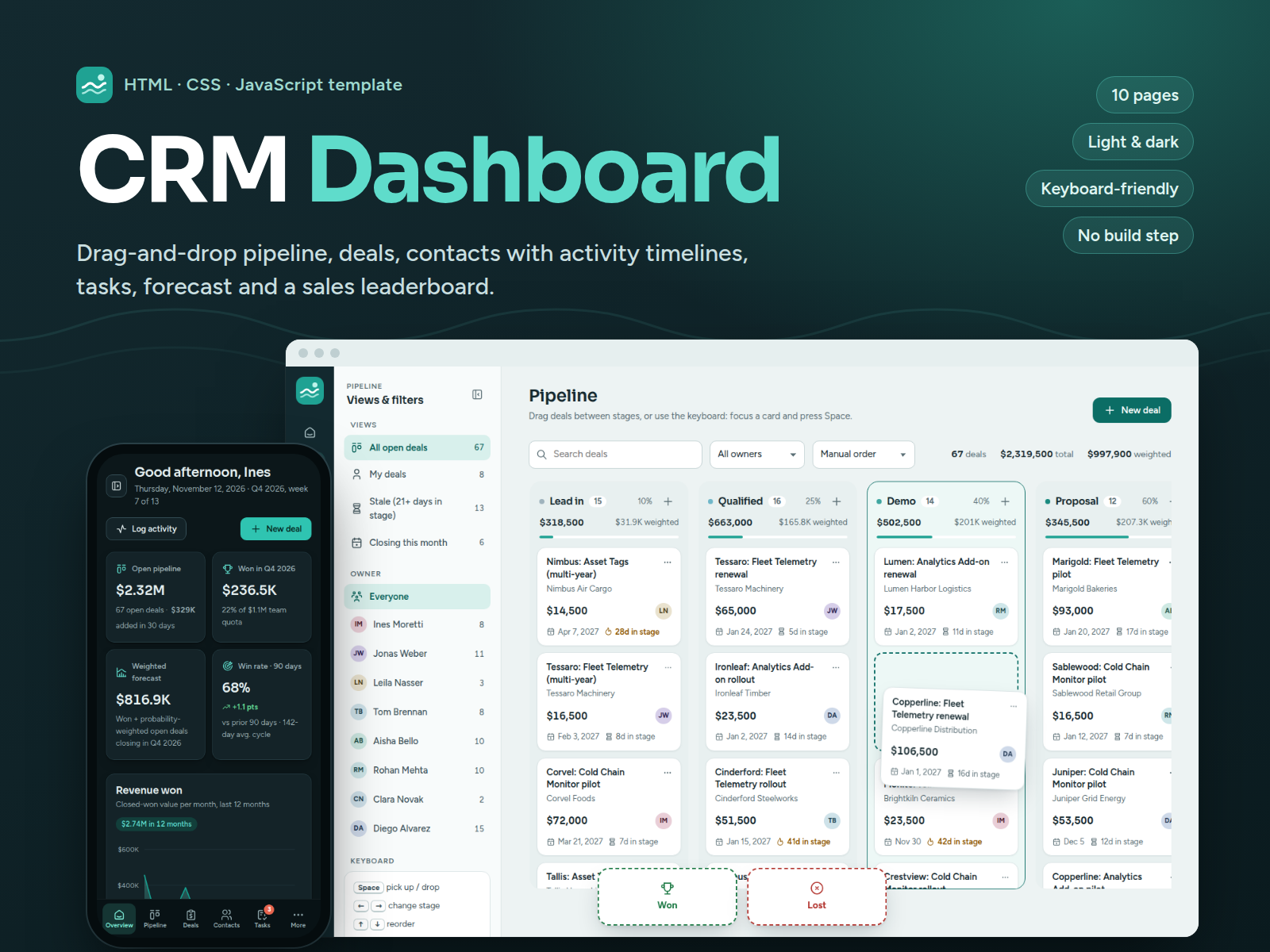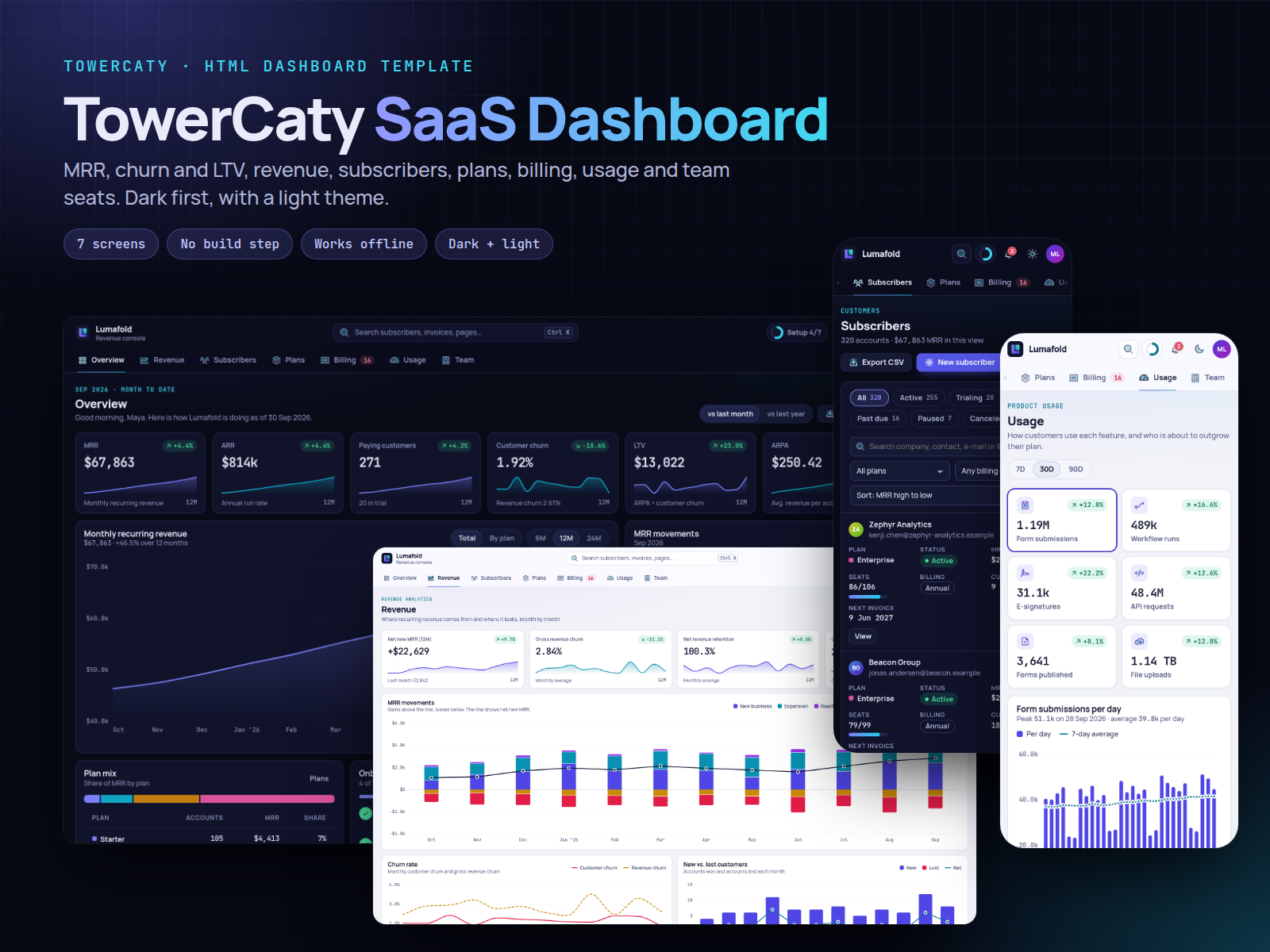
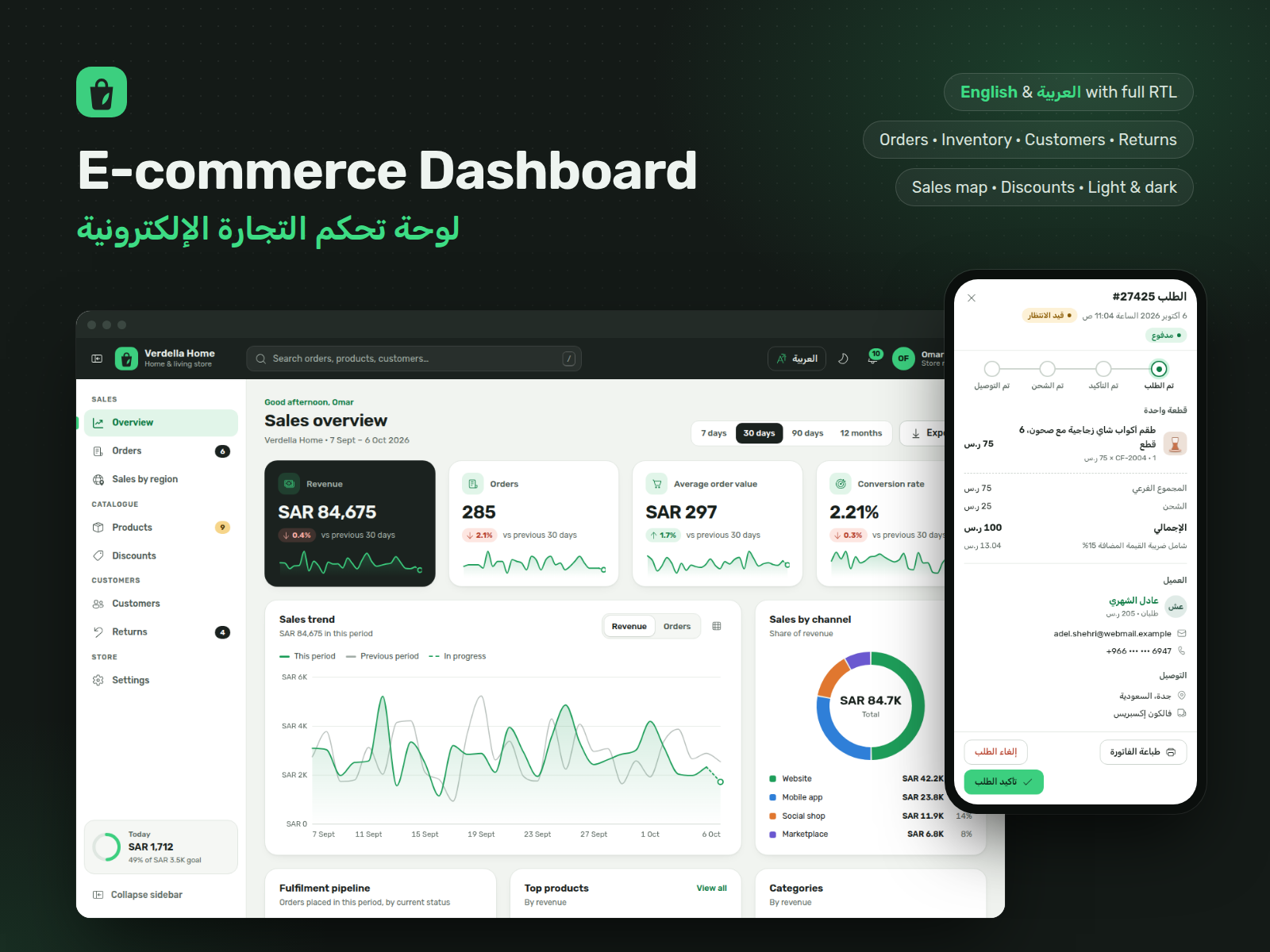
E-commerce Dashboard
From $39.00
Bilingual English/Arabic store admin template with full RTL: sales overview, orders with a status flow and detail drawer, products and stock alerts, customers, returns, discounts and a sales map. Front-end with sample data; forms do not send anything.
- Secure payment via PayPal
- Instant digital delivery
- Clear licensing
- Support available
Overview
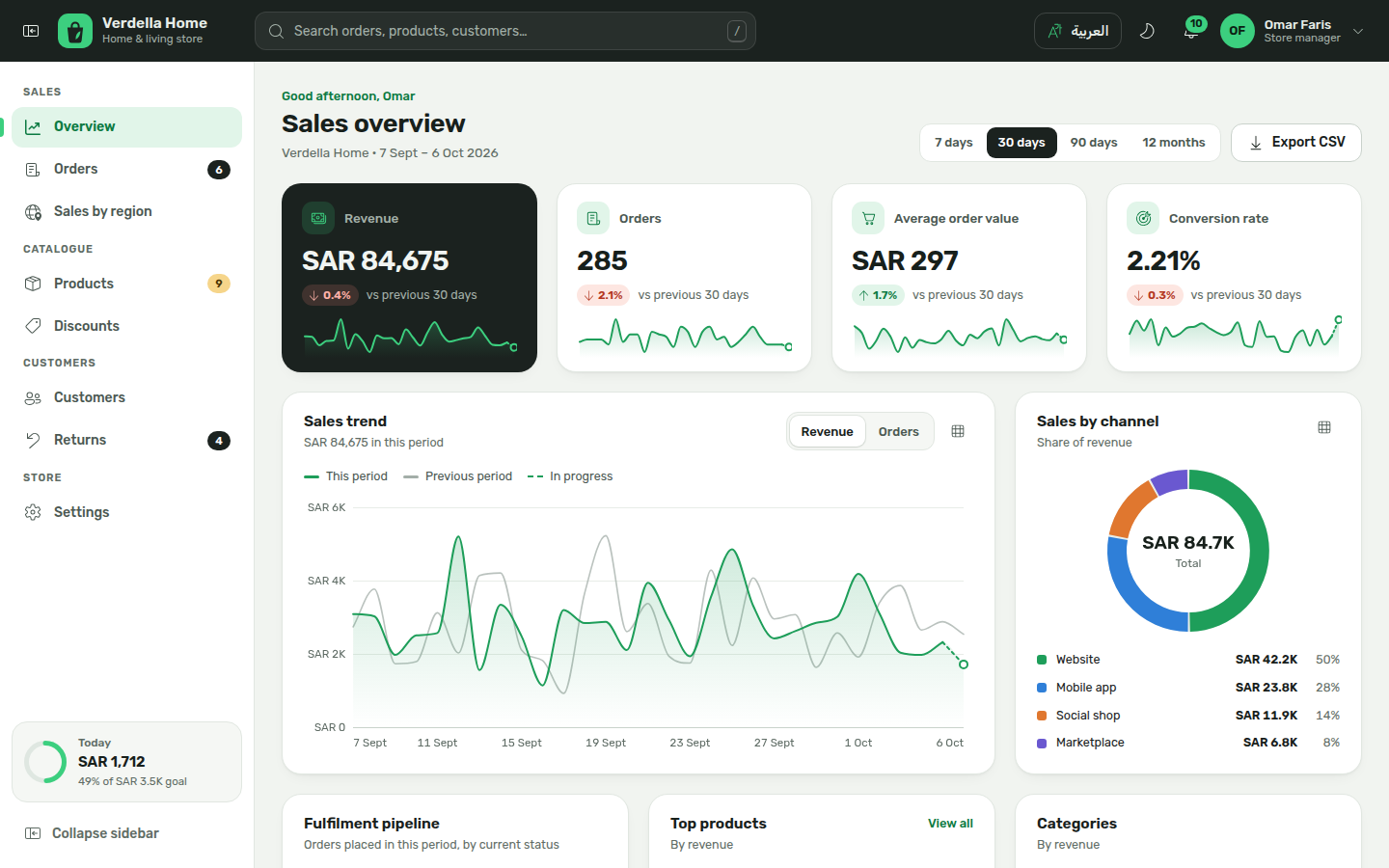
E-commerce Dashboard is a ready-made admin interface for an online store, in English and Arabic. It covers the daily work of a store team: sales overview, orders, products and stock, customers, returns, discount codes and sales by region on a map.
It is a front-end template: static HTML, CSS and JavaScript with realistic sample data for a fictional home and living store. Open index.html and every page works, offline, with no server, database or build step.
Please note: nothing is sent anywhere. Confirming or shipping an order, refunds, new products, customers, discounts and notes are saved only in the visitor's own browser (localStorage) so the demo behaves like a real dashboard. The template does not send email, SMS or push notifications, does not take payments or issue real refunds, and has no sign-in. The bell menu and alert settings are interface only, built from the sample data. To run a real store with it, a developer connects the screens to your backend; the README shows where.
Arabic is a real right-to-left layout: the sidebar, drawers, tables and time charts mirror, Arabic plural forms and dates are handled, and the store can show Western or Arabic-Indic digits. The map keeps its geographic orientation.
Design: charcoal header, fresh green accents, rounded cards, a collapsible sidebar (icon rail on desktop, slide-in menu on phones), light and dark themes, and many charts, each with a table view.
What's included
- Complete product files (ZIP)
Languages
The product description and details are provided in these languages.
Features
- 9 pages: sales overview, orders, sales by region, products & inventory, discounts, customers, returns, settings and a 404 page
- English and Arabic with a full right-to-left layout, a language switch in the header and Western or Arabic-Indic digits
- Collapsible sidebar that mirrors in Arabic: icon rail on desktop, slide-in menu on tablets and phones
- Sales overview: KPIs with sparklines, trend vs previous period, sales by channel, pipeline, top products, categories, order heatmap, payments, delivery
- Orders: status tabs, search, date/payment/channel/country filters, sorting, pagination, bulk confirm and CSV export
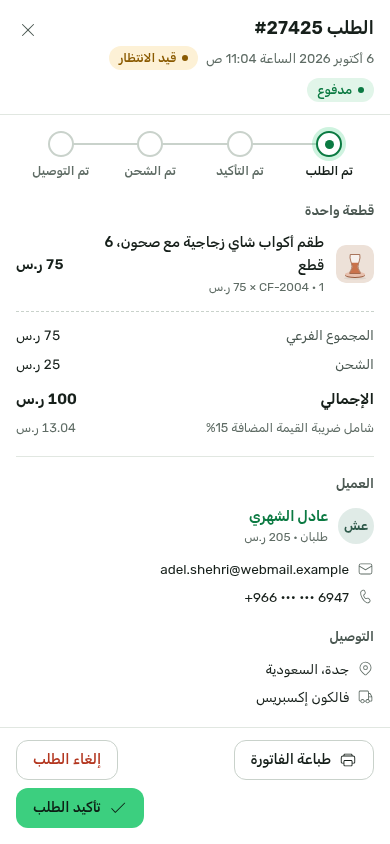
- Order drawer with items, VAT, customer, delivery and activity; moves orders Pending → Processing → Shipped → Delivered or cancels with a reason
- Printable invoice through the browser's print dialog
- Products & inventory: low-stock banner, table and grid views, stock filters, product drawer with weekly units and stock history
- Add, edit, duplicate, archive and delete products with validation, plus stock adjustments (add, remove, set)
- Customers: segments, new vs returning buyers, tags, marketing consent, order history and internal notes
- Returns: Requested → Approved → Received → Refunded or Rejected, reasons chart and new return from a delivered order
- Discount codes: percentage, fixed amount or free shipping, dates, usage limit, first order only, live preview, pause and delete
- Sales by region: original dot-matrix map with bubbles by revenue, orders or customers, Gulf city view, market panel and ranking
- Charts drawn in SVG with tooltips, keyboard access and a table view; time charts can mirror in Arabic
- Light and dark themes, global search (press /) and an in-dashboard notifications menu built from the sample data
- Responsive from 390 px phones to wide desktops; tables become stacked rows on phones
- Accessible basics: landmarks, labelled fields with inline errors, keyboard dialogs and menus, visible focus, AA contrast, reduced motion
- Front-end only: forms save to the visitor's browser and send nothing; no email, SMS, payments or backend included
- Plain HTML, CSS and JavaScript, no build step, no external requests; works by double-clicking index.html or on any static host
- One config file for language, theme, currency, VAT, low-stock threshold, daily goal and menu; all texts in two locale files
Requirements
Only a current browser: Chrome or Edge 111+, Firefox 121+ or Safari 16.2+. No server, database, Node.js or build step, and no internet connection needed. Hosting is optional, on any static file host.
Compatibility
Desktop, tablet and phone, responsive from 390 px wide. Works when opened straight from the folder or from a static server. Tested in Chromium; the other browsers listed support the same standard features. Fonts and icons are included in the download.
Installation
- Unzip
ecommerce-dashboard-1.0.0.zip. You get one folder,ecommerce-dashboard/. - Double-click
ecommerce-dashboard/index.html. The dashboard opens in your browser with its sample data. No installation, server or internet connection is needed. - Optional: preview it over
http://with any static server, for examplepython3 -m http.server 8080inside the folder, then openhttp://localhost:8080/. - To publish it, upload the folder as it is to any static host (your own server, Netlify, Cloudflare Pages, GitHub Pages, S3). There is no build command.
Start customizing in assets/js/config.js (language, theme, currency, VAT, menu). The README covers colors, fonts, product images, texts and how to connect your own backend.
User guide
Navigate with the sidebar. The button at the top left of the header (top right in Arabic) collapses it to an icon rail; on tablets and phones it opens a slide-in menu.
Language and theme: the header button switches between English and العربية; the moon/sun button switches light and dark. More choices (Arabic digits, chart direction in Arabic, sidebar) are in Settings → Display. Choices are remembered in this browser.
Overview: pick 7 days, 30 days, 90 days or 12 months. Hover or focus a chart to read values; the grid button shows any chart as a table. A dashed last segment marks the period still in progress.
Orders: filter by status tab, search, date, payment, channel or country, then click an order number to open its drawer. Use Confirm order, Mark as shipped (asks for carrier and tracking number) and Mark as delivered, or Cancel order with a reason. Tick rows to confirm several pending orders at once.
Products: use Show them on the low-stock banner to list items that need restocking. The row menu offers edit, adjust stock, duplicate, archive and delete.
Customers, returns and discounts work the same way: a list with tabs, search and filters, a drawer or form for each record, and actions that update the counters and charts straight away.
Sales by region: choose revenue, orders or customers, switch to the Gulf close-up, and select a bubble (mouse, or Tab then Enter) to see that market.
Demo data: changes are saved only in your browser and are never sent anywhere. Settings → Data exports everything as JSON or resets the sample data.
License
| Personal$39.00 | Commercial$49.00 | Extended$199.00 | |
|---|---|---|---|
| Projects | 1 | 5 | Unlimited |
| Users or sites | 1 | 1 | 5 |
| Commercial use | Not allowed | Allowed | Allowed |
| Modification | Allowed | Allowed | Allowed |
| Resale | Not allowed | Not allowed | Not allowed |
| Redistribution | Not allowed | Not allowed | Not allowed |
| Updates | 12 months | 12 months | Lifetime |
| Support period | 6 months | 12 months | 12 months |
| License key | Yes | Yes | Yes |
Pay with PayPal or a debit or credit card. We send your product once the payment is confirmed.
Support & Updates
TowerCaty provides support through the contact details in your order email or on the product page. Please include your order number, the product and version (E-commerce Dashboard 1.0.0) and your browser. Support covers the template as delivered, not connecting it to your own backend.
Changelog
1.0.0
- Version 1.0.0: first release in the store.
Last Updated
- Last update
- Oct 6, 2026
- Version
- 1.0.0